 AppScreenshotLab
Features
Everything you need to make App Store screenshots
A focused screenshot maker: device frames, captions, callouts, and exports that match Apple’s and Google’s specs exactly.
Device frames
Real device mockup frames, drawn as vectors
Wrap your screenshot in an accurate device bezel — iPhone with Dynamic Island or notch, Android with a punch-hole camera, iPad, Mac with its notch, or Apple Watch. Frames are rendered as vectors, so they stay razor-sharp at full export resolution. Prefer Apple’s official bezel art? Upload any transparent bezel PNG and align it with inset controls.
- iPhone 6.9″, 6.5″, 6.3″, and 5.5″ with the correct sensor housing per model
- Android (Pixel, Galaxy), iPad, Mac, and Apple Watch
- Custom bezel-image mode with adjustable insets
- Frameless mode when you want the screenshot full-bleed
Zoom callouts
Magnify the detail that sells your app
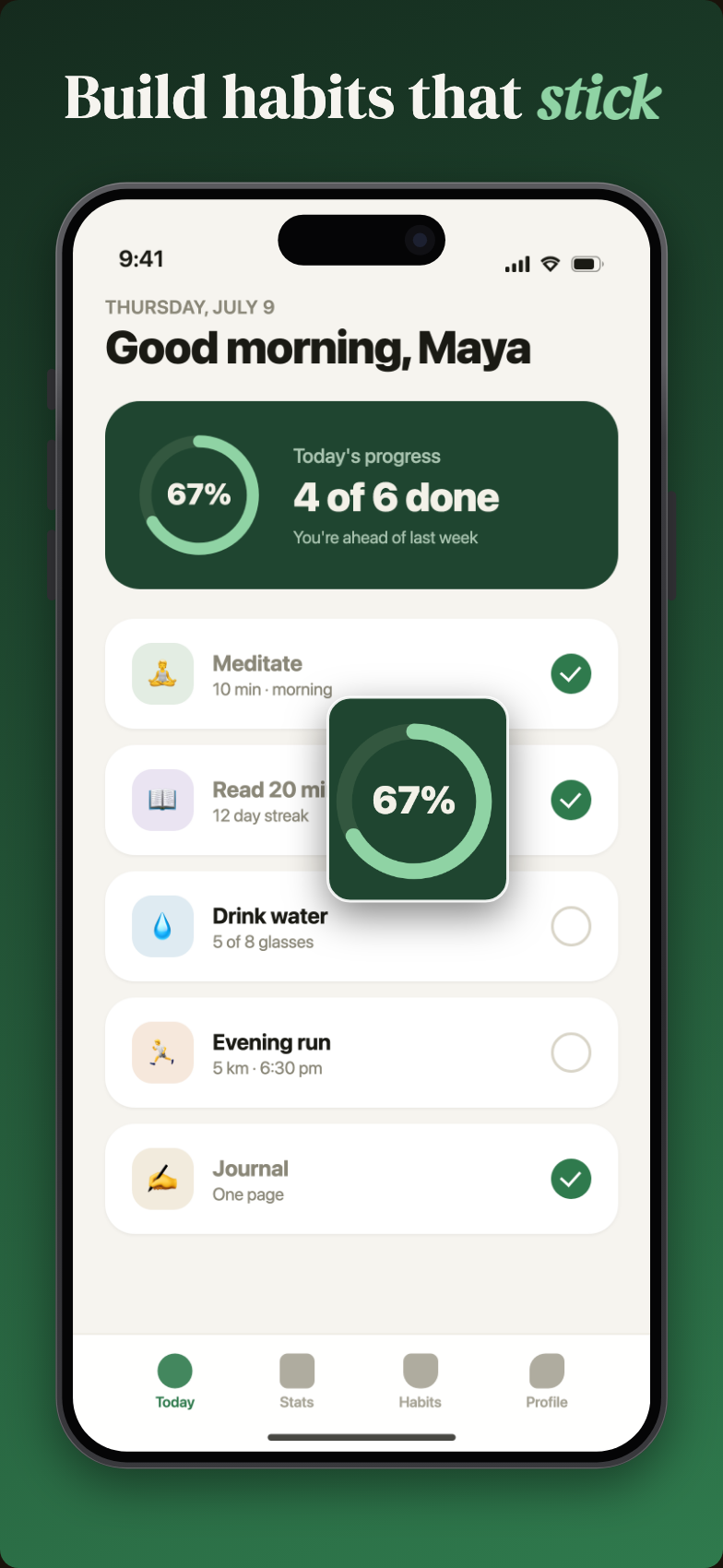
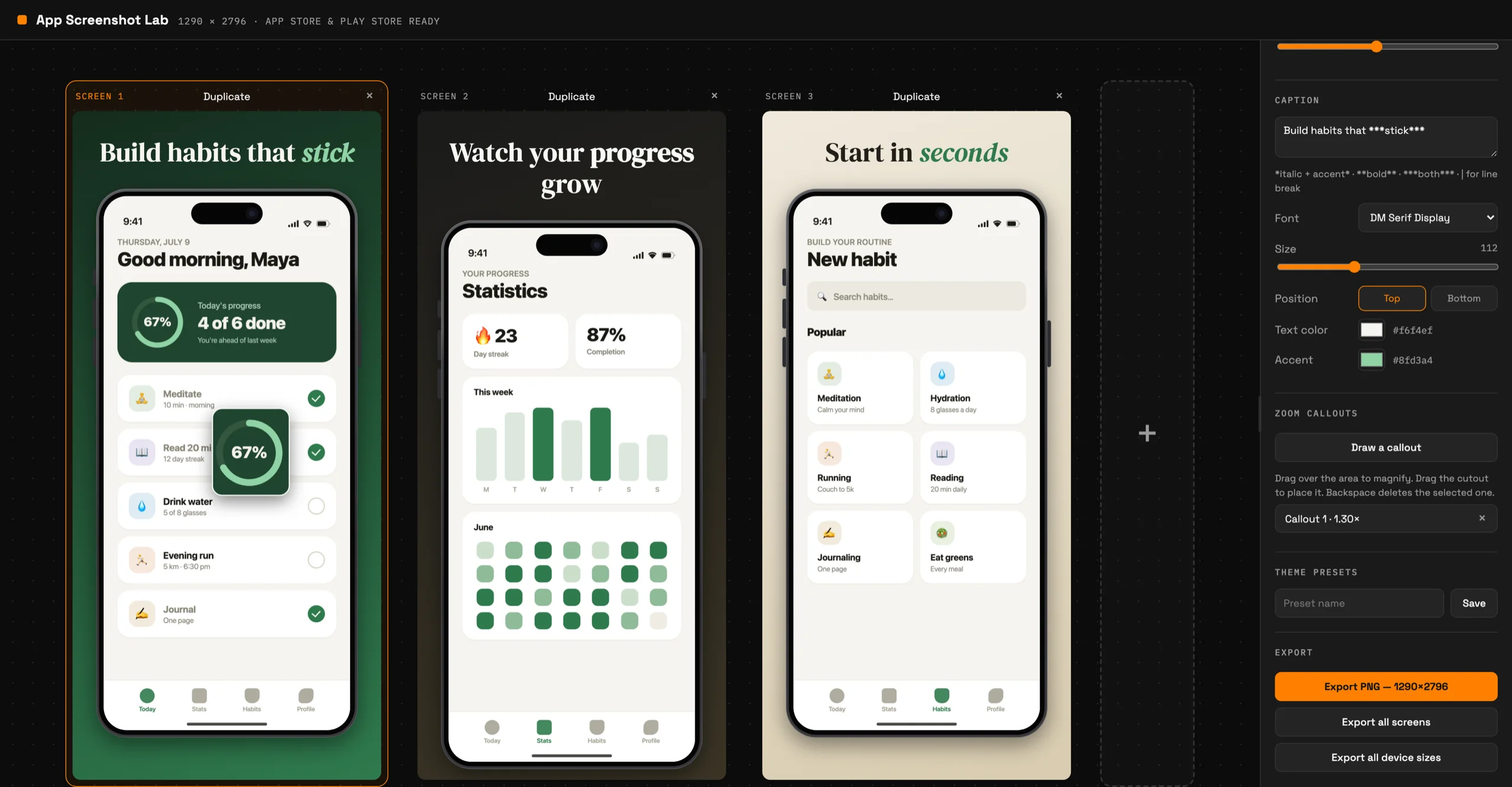
Store visitors decide in seconds, at thumbnail size. Zoom callouts let you draw a rectangle over any part of your screenshot and get an enlarged, framed close-up you can drag anywhere — so your key feature is legible even in search results. Adjust magnification from subtle to 2.5×.
- Draw directly on the canvas — no masking or layer juggling
- Adjustable magnification (1–2.5×)
- Multiple callouts per screenshot
Caption typography
Captions that look designed, not defaulted
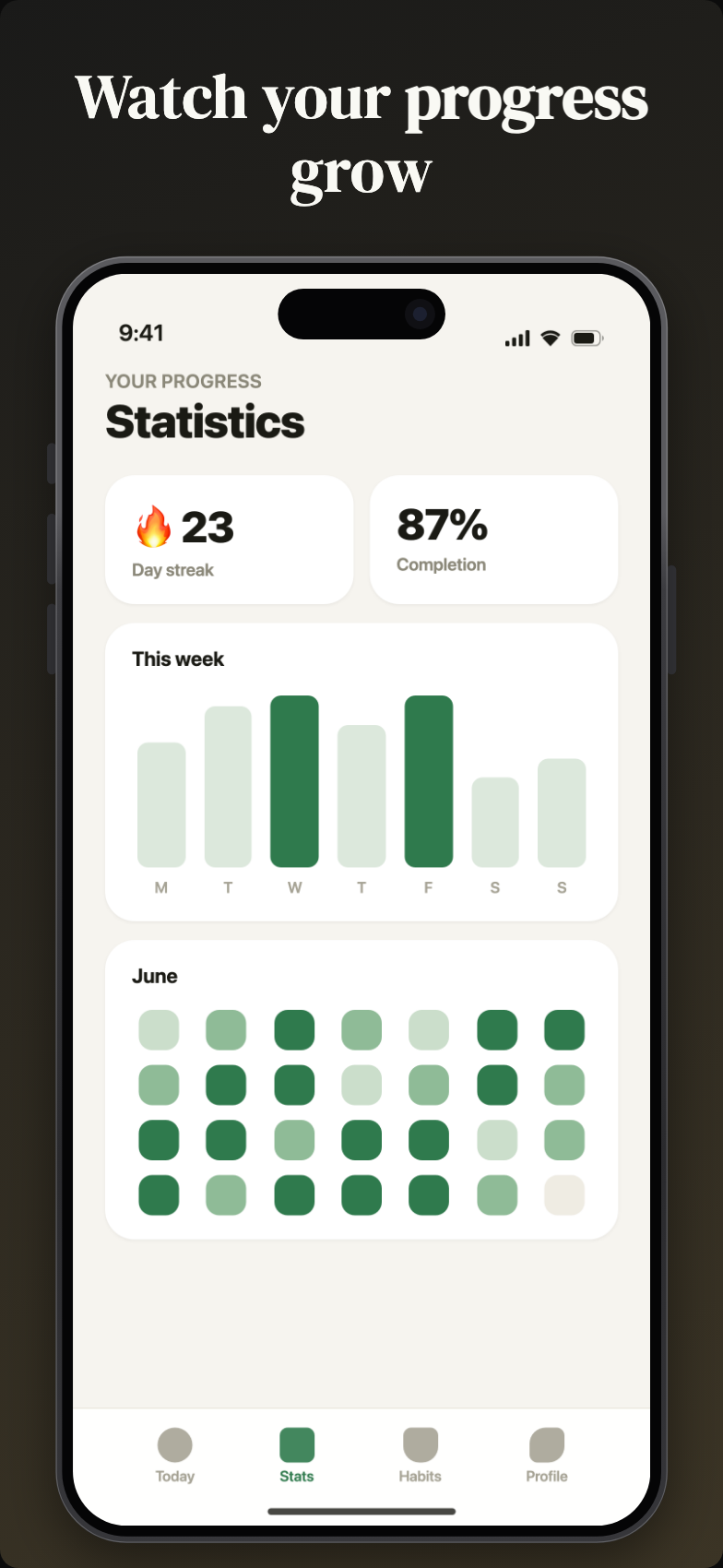
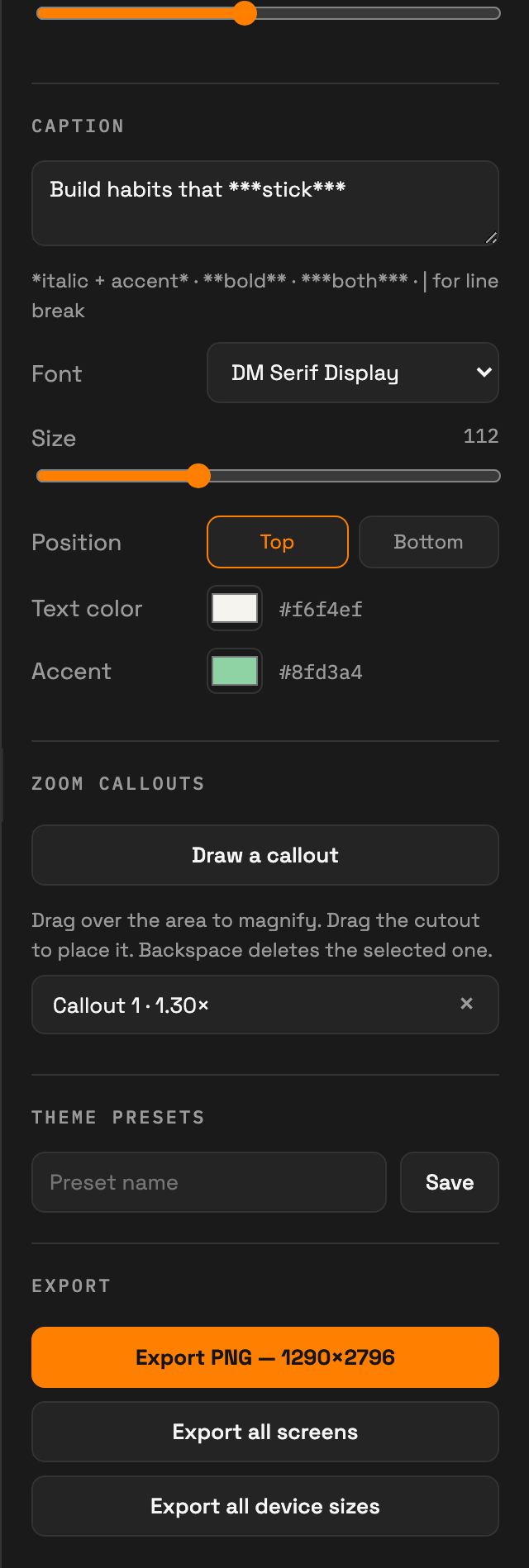
Sixteen curated fonts — modern sans-serifs like Inter, Geist, and Space Grotesk alongside expressive serifs like Playfair Display, Fraunces, and DM Serif Display. Emphasize words with bold, italics, or your accent color using simple markdown-style syntax: *italic*, **bold**, and | for a line break.
- 16 fonts with real bold and italic variants
- Accent-color highlighting for the words that matter
- Adjustable size and top or bottom placement
Backgrounds & themes
Backgrounds, gradients, and reusable theme presets
Set a solid color, an angled two-color gradient, or your own background image. When a combination works, save it as a theme preset — colors, fonts, padding, corner radius — and apply it to any screenshot with one click, so your whole listing stays consistent.
- Solid, gradient (with angle control), or image backgrounds
- Corner radius and padding controls
- Theme presets you can reuse across projects
Multi-screen sets
Design the whole listing on one canvas
App stores show 3–10 screenshots in a row, and they need to read as a set. Work on all of them side by side on a free-moving, zoomable canvas. Duplicate a screen to carry the style over, swap the screenshot, tweak the caption — done.
- Side-by-side screens with Figma-style pan and zoom
- Duplicate a screen to keep its full style
- Export one screen or the whole set
Pixel-perfect export
Exports at the exact size the stores demand
App Store Connect rejects screenshots that are a single pixel off spec. Every export is generated at the exact pixel dimensions of the device you chose — 1290 × 2796 for the 6.9″ iPhone, 2048 × 2732 for iPad, and so on. Batch export renders your design at every device size in one click.
- Exact dimensions for every supported device
- High-resolution PNG output
- “Export all device sizes” batch export
Wondering what it costs? See pricing →
Try every feature in the editor
The free plan includes the full toolkit for every iPhone size.