 AppScreenshotLab
Real device frames
iPhone with Dynamic Island or notch, Android punch-hole, iPad, Mac, and Apple Watch bezels — drawn as crisp vectors, not blurry PNGs.
App Store & Google Play
AppScreenshotLab is a screenshot generator for the App Store and Google Play. Upload a raw screenshot, add a device frame, caption, and background, and export a PNG at exact store dimensions.
Free plan · every iPhone size · no design skills needed
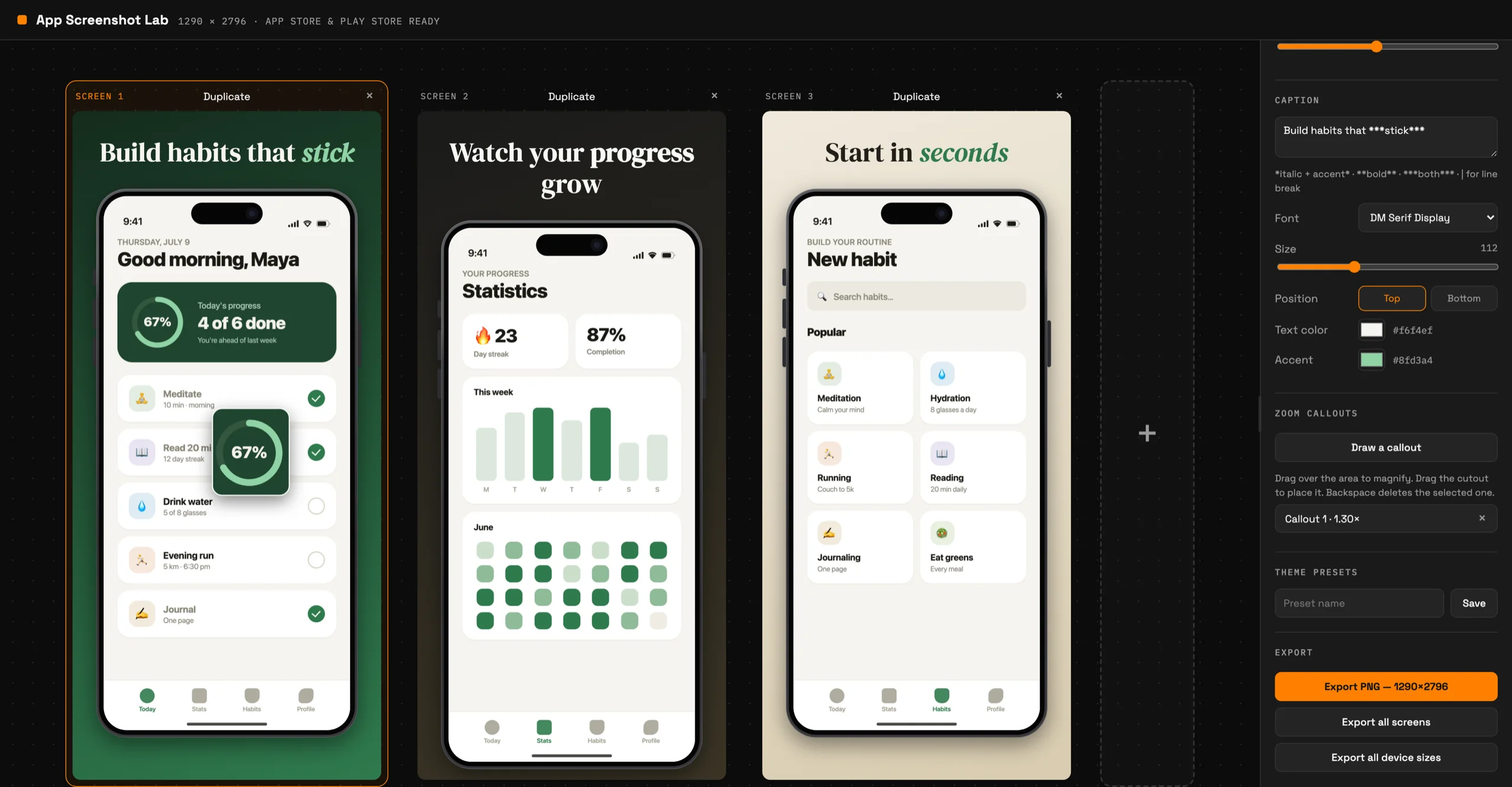
A plain simulator capture becomes a framed, captioned screenshot that earns the tap. Everything below was made in the editor — no other tools.
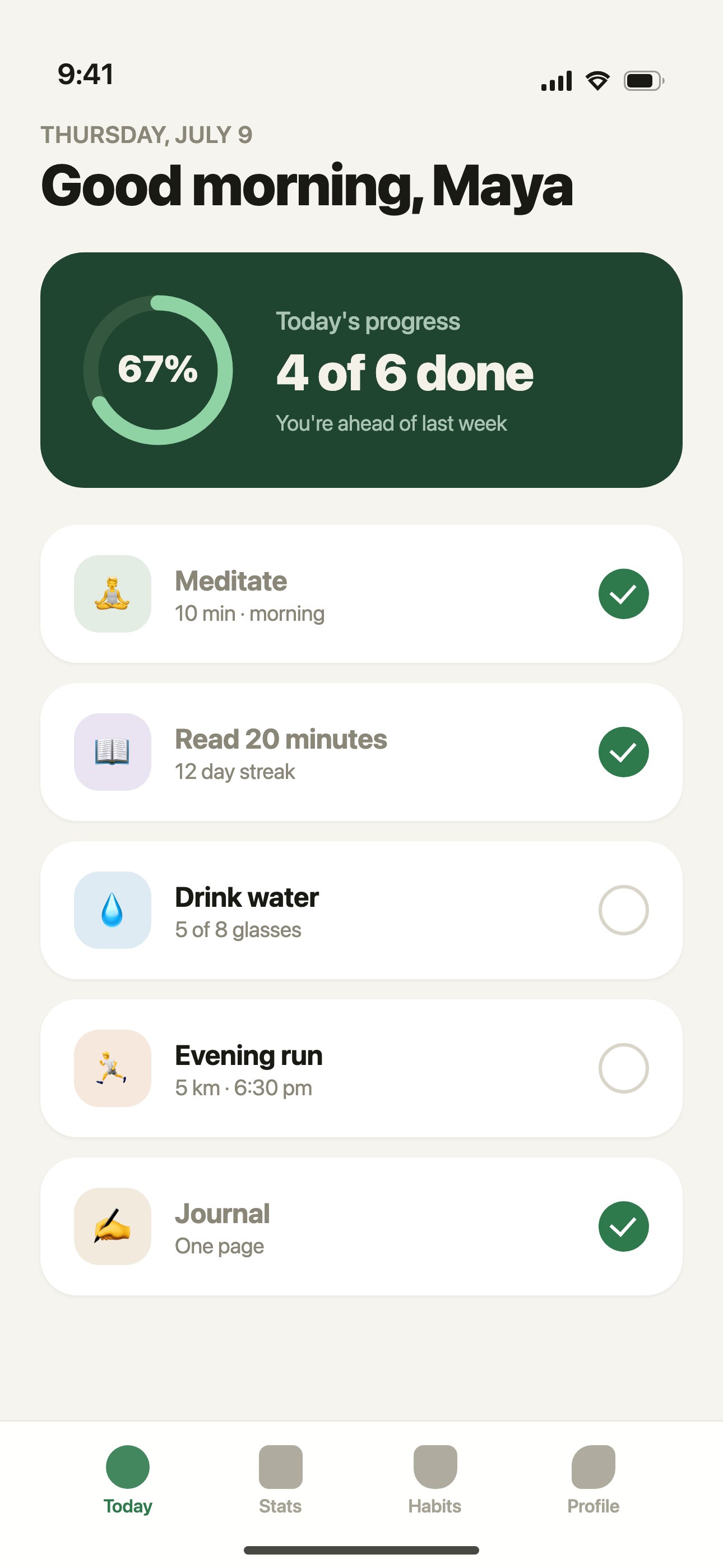
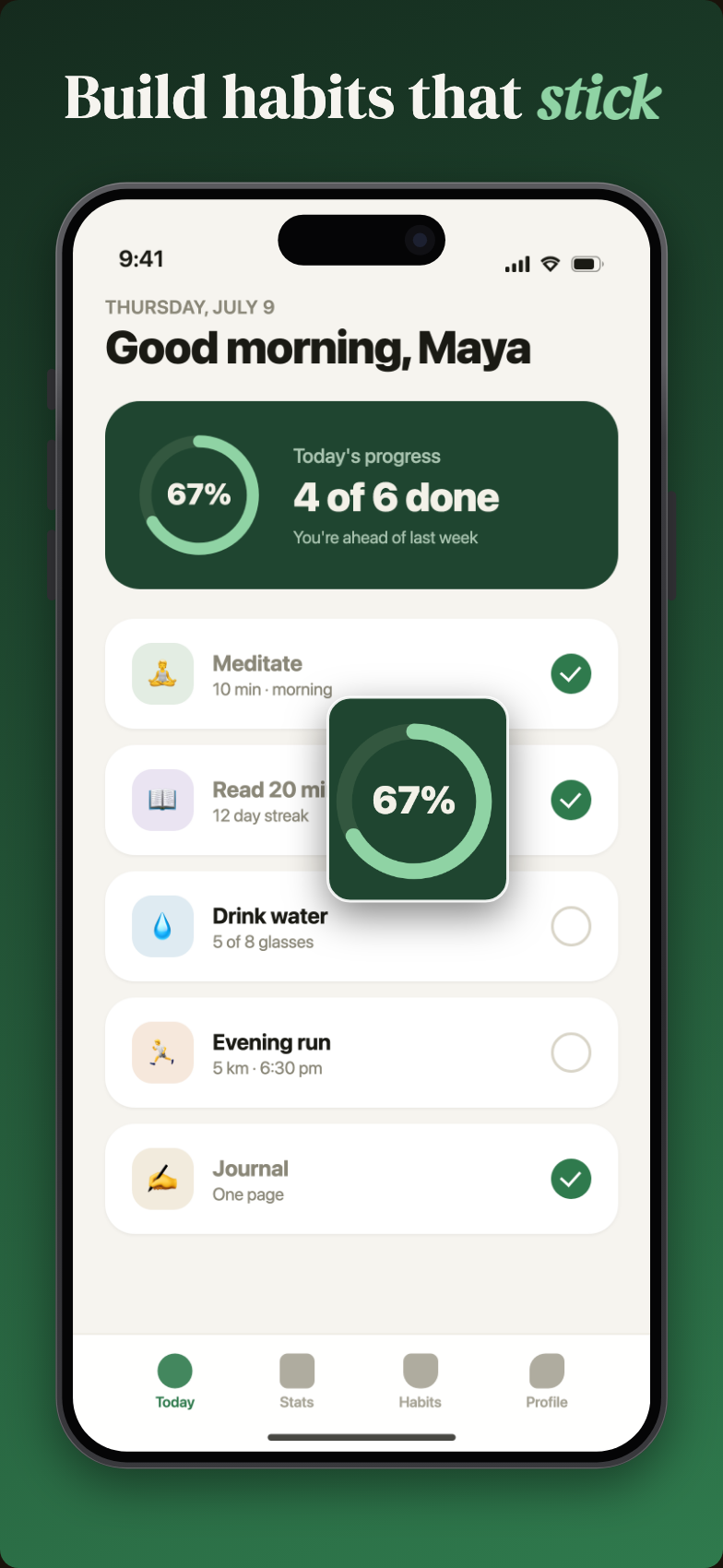
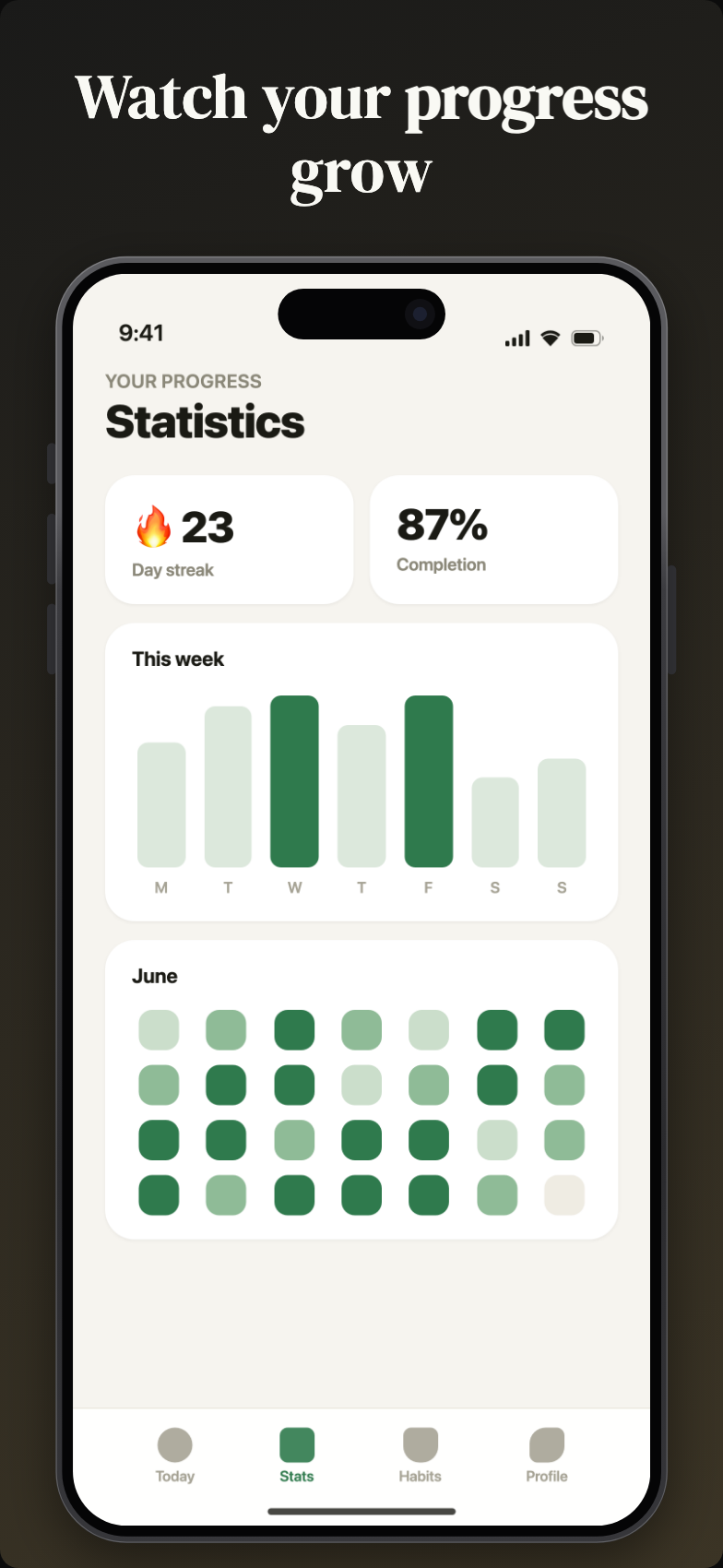
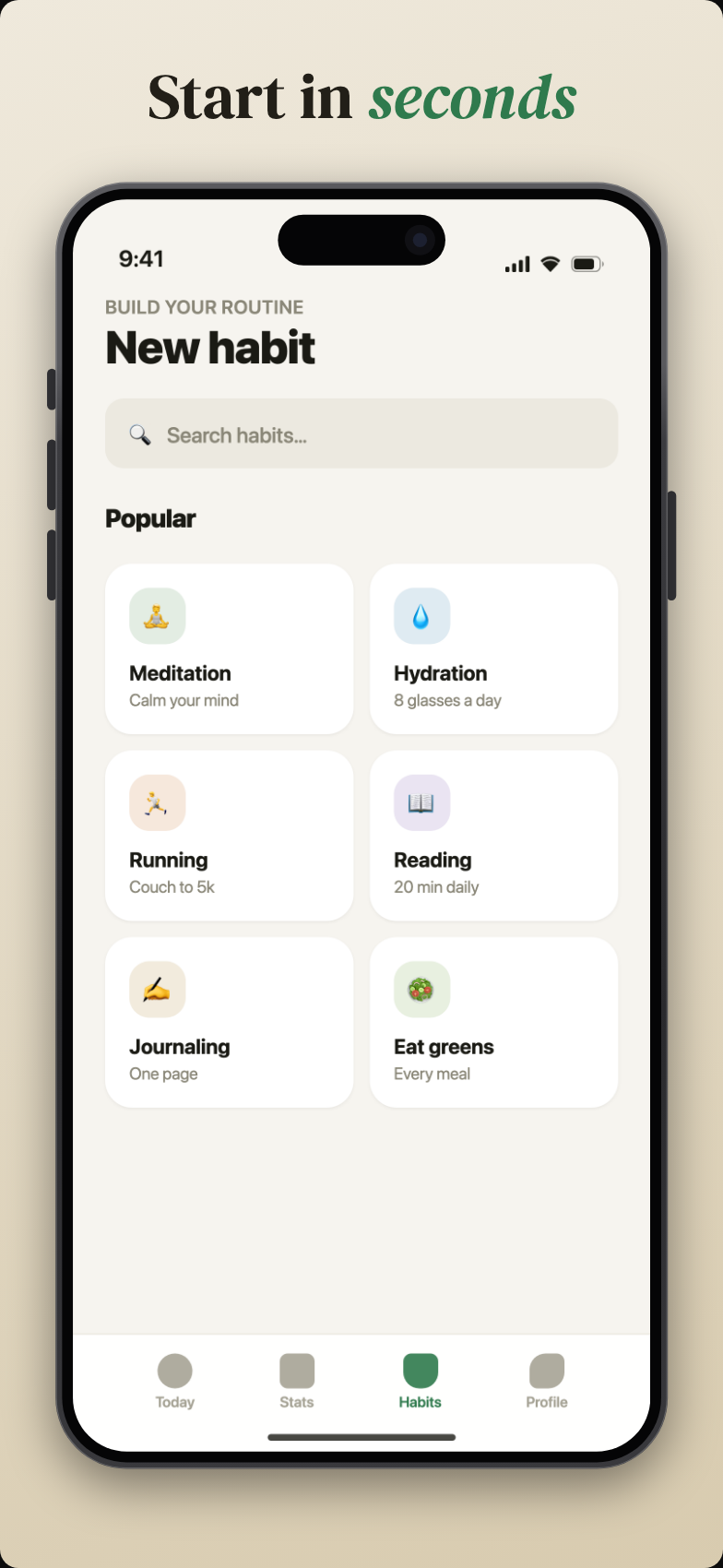
Three steps between a raw capture and screenshots you can upload to the store.
Drop in a raw screenshot from the simulator or your phone — or just paste it from the clipboard.
Pick a device frame, background, and caption. Add a zoom callout to spotlight the detail that sells your app.
One click exports at the exact dimensions Apple and Google require, ready to upload to App Store Connect or Play Console.
The full toolkit for App Store and Google Play screenshots — nothing you don't need.
iPhone with Dynamic Island or notch, Android punch-hole, iPad, Mac, and Apple Watch bezels — drawn as crisp vectors, not blurry PNGs.
Drag a rectangle over any detail and get a magnified, framed close-up. Make your best feature legible at thumbnail size.
Sixteen fonts with bold, italic, and accent-color highlights. Line breaks and emphasis with simple markdown-style syntax.
Solid colors, angled gradients, or your own image. Save any look as a preset and apply it to every screenshot in one click.
Design your whole store listing side by side on one canvas. Duplicate a screen to keep the style, swap the screenshot.
Every export lands at the pixel size App Store Connect and Google Play expect — 1290 × 2796 means 1290 × 2796. No rejections, no resizing.
Store screenshots are the highest-leverage marketing asset an app has — and the most annoying to produce. This tool exists to remove the annoying part.
More questions? Read the full FAQ →